Guides to an ergonomic home office setup
Practical, no-nonsense guides to screen height, posture, wrists and lighting — with the gear that helps, when it helps.
An ergonomic home office setup starts with screen height, then chair and lumbar support, then keyboard, mouse and wrists, then feet, then lighting. Deskt's free guides walk each step in order and show the gear that helps — no jargon, no fake urgency.
Ergonomic desk height calculator
Enter your height and get your ideal seat, desk and standing-desk heights in seconds — plus the gear to hit them.
Home-office ergonomics statistics
The numbers behind desk health — musculoskeletal pain, standing desks, eye strain and RSI — each with a primary source.

The ergonomic desk setup checklist
A practical, top-to-bottom checklist for a desk that's kind to your neck, back and wrists — screen height, chair, keyboard, feet and light.

Monitor height and neck pain: the quick fix
Why a screen that's too low is the most common cause of desk neck pain, and how to get your monitor or laptop to a neutral height.

Sitting vs standing: how to actually alternate
Standing all day isn't the goal — moving between postures is. How to alternate without buying a whole new desk.

Wrist and forearm pain at the desk
What causes wrist and forearm strain from typing and mousing, and the changes — mouse, keyboard, wrist rest — that help.
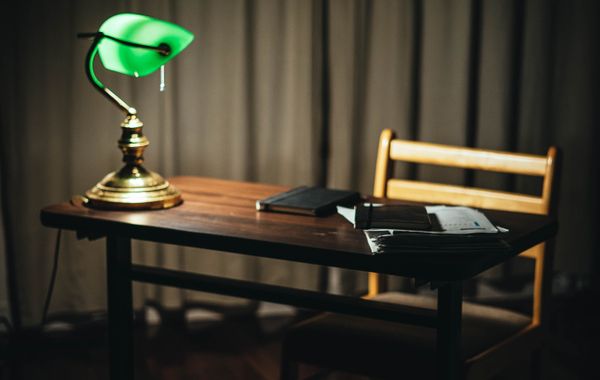
Desk lighting for less eye strain
How brightness, colour temperature and glare affect eye comfort at a desk — and how to light a workspace well.
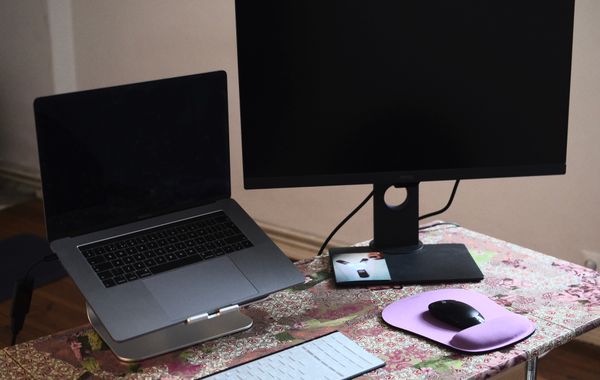
Laptop ergonomics: fixing the laptop hunch
A laptop puts your screen too low and your hands too high at once. Here is how to split the two, set correct heights, and stop the daily neck hunch.
What's the ideal desk height for your body?
Find your ideal desk height with a simple elbow rule, a height chart for sitting and standing, plus easy fixes when your desk can't be adjusted.
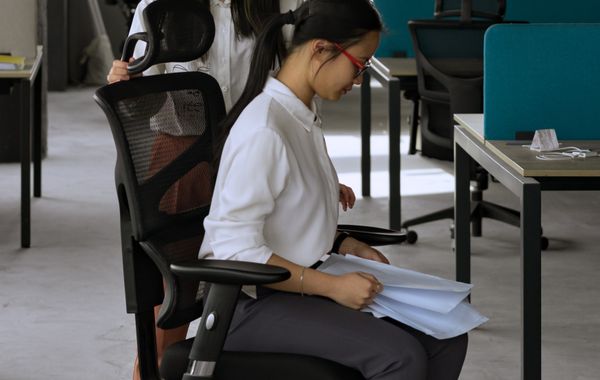
A 20-minute posture reset routine for desk workers
A simple 20-minute posture reset routine for desk workers: mobility, a few strength moves, and quick setup fixes that undo a day of sitting.
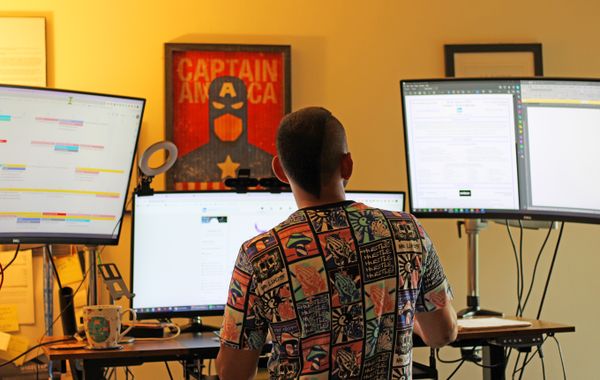
How to set up a standing desk correctly
Get desk height, monitor position and keyboard angle right, then build a sit-stand rhythm. A practical guide to setting up a standing desk that truly helps.
The complete home-office setup checklist
A room-to-desk checklist for a home office that's comfortable all day: the space, desk height, screen, chair, input, lighting, cables and video calls.
How to reduce eye strain from screens
Practical, evidence-based ways to reduce screen eye strain: the right monitor distance and height, glare-free lighting, the 20-20-20 rule, and display settings.
Ergonomic setup for a small desk
How to build a genuinely ergonomic workstation on a shallow or narrow desk: get the geometry right, free the surface, and reclaim depth and legroom.
The ergonomic dual-monitor setup
A practical guide to placing two monitors without neck strain: height, distance, the inward angle, primary-vs-symmetric layouts, cabling and glare control.

How to reduce back pain while working from home
Practical, no-nonsense ergonomics to ease back pain when working from home: chair setup, lumbar support, screen height, movement and a 5-minute daily routine.
Monitor arm vs monitor riser: which do you need?
Monitor arm or monitor riser? Compare adjustment, desk space, VESA needs, cost and dual-screen setups so you pick the right way to fix your screen height.
Standing desk vs standing-desk converter
A full standing desk or a converter that sits on your existing one? Compare cost, height range, stability and desk space to pick the right sit-stand setup.
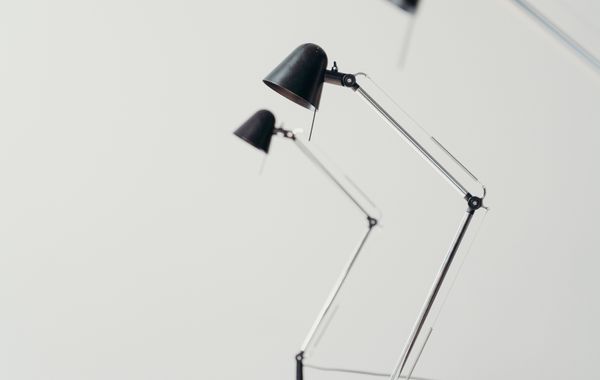
Desk lamp vs monitor light bar
Desk lamp or monitor light bar for a screen-heavy desk? A practical comparison of glare, footprint, colour temperature and flicker — plus how to choose.
Vertical mouse vs trackball vs standard mouse
Vertical mouse, trackball, or a standard mouse? A clear, honest comparison of how each one loads your wrist, arm, and shoulder — and how to pick the right one.
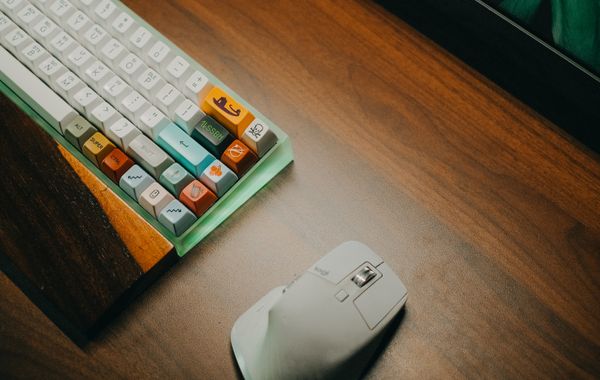
Split keyboard vs ergonomic keyboard: what's the difference?
Split keyboards separate into two halves; ergonomic is the broader family. Here's how they differ, what each fixes, and how to pick the right one for your wrists.
The best budget sit-stand setups
Build a standing-desk setup that feels premium without the price — desktop converters, DIY frames, electric desks and the accessories that actually matter.
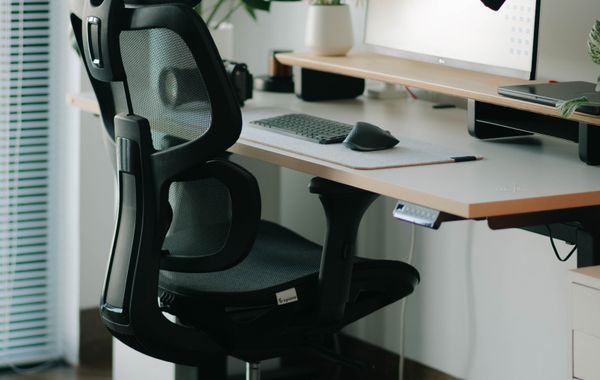
Office chair vs kneeling chair vs saddle stool
Office chair, kneeling chair or saddle stool? Compare back support, posture, desk height and comfort to choose the right ergonomic seat for how you actually work.
The best ergonomic office chairs under €300
A calm, honest buyer's guide to ergonomic office chairs under €300: the five adjustments that matter, mesh vs padded, fit, and when add-ons beat a new chair.
The ergonomic home-office starter kit
Building a home desk from scratch? Here's the ergonomic starter kit that actually matters — screen height, chair, input and light — plus how to phase it on a budget.
The best desk lighting for eye comfort
How to pick desk lighting that's easy on the eyes: the right brightness and colour temperature, glare-free placement, and when a light bar beats a lamp.
The best monitor arms for dual and ultrawide screens
How to choose a monitor arm for dual-screen and ultrawide setups: VESA fit, weight ratings, desk mounting and cable routing, with clear ergonomic guidance.
The best ergonomic keyboards and mice for wrist relief
Choose an ergonomic keyboard and mouse that keeps your wrists neutral: split versus curved boards, vertical mice and trackballs, and how to use wrist rests.
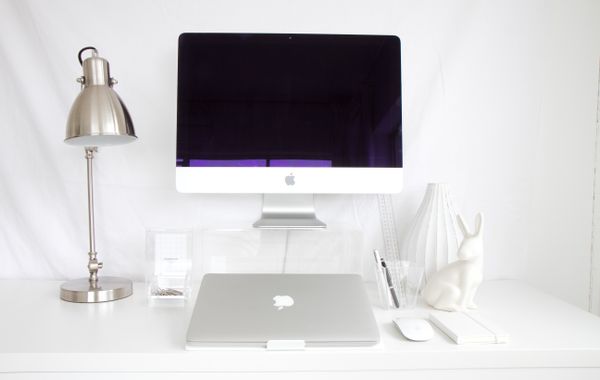
The sustainable desk setup: buy it once, keep it a decade
Build a desk setup that lasts instead of landfill — durable natural materials, repairable standard-fit gear, and fewer, better inputs. Free EU shipping.
The ergonomic setup for developers
The desk setup that keeps developers coding without wrist, neck or back pain: dual screens at eye level, split input, sit-stand and bias lighting.
The ergonomic setup for designers
The desk setup for designers who work in colour all day: accurate high-CRI lighting, screens at eye level, pen and precision input, and all-day support.
The ergonomic setup for gamers
The desk setup for long gaming and streaming sessions: a chair that lasts hours, wrist and forearm support, screen at eye level, and eye-friendly lighting.