The ergonomic setup for gamers
Gaming sessions run long, still and intense — the exact conditions that turn a bad setup into a sore back, a tired wrist and burning eyes. This is how to build a station that stays comfortable at hour five, whether you are grinding ranked or streaming.
At a glance
| Product | Best for | Price | Warranty |
|---|---|---|---|
| Recline Ergonomic Chair | Deep recline, hidden footrest | € 389.95 | 2 years |
| Atlas Heavy-Duty Chair | Wide seat, 180 kg rated | € 289.95 | 2 years |
| Crest Chair Headrest Cushion | Memory foam neck support | € 29.95 | 2 years |
| Arc Single Monitor Arm | Gas-spring, full motion | € 79.95 | 2 years |
| Span Heavy-Duty Ultrawide Arm | Holds 49-inch ultrawides, 15 kg | € 99.95 | 2 years |
| Split Keyboard Wrist Rest Set | Two pads for split boards | € 29.95 | 2 years |
| Roller Bar Mouse | Central rollbar, both hands | € 139.95 | 2 years |
| Walnut Palm Rest | Solid wood, firm contour | € 34.95 | 2 years |
| Verso Bias Light Bar | Front task light, rear glow | € 84.95 | 2 years |
| Solo Cordless Light Bar | Rechargeable, zero trailing cable | € 69.95 | 2 years |
| Apex Electric Standing Desk | Dual-motor, memory presets | € 399.95 | 2 years |
Why gaming is hard on the body
Gaming combines the two things bodies handle worst: long stretches without moving, and bursts of fast, repetitive input. A ranked session or a raid can hold you in one position for hours, breathing shallow and leaning toward the screen, while your hands hammer keys and flick a mouse thousands of times. Add a dark room and a bright display and your eyes take a beating too. None of it hurts in the moment — the concentration masks it — which is exactly why gamers so often finish a session with a stiff neck, an aching wrist or a headache they did not see coming. The fix is not to game less; it is to build a station that removes the strain so long sessions stay comfortable. The priorities are specific: a chair that supports you at hour five the way it did at hour one, wrist support for the marathon of input, a screen at the right height and distance, and lighting that spares your eyes in a dark room. Get those right and your body stops being the thing that ends the session. This is general guidance, not medical advice — persistent pain is worth taking to a professional.
The chair is everything
For a gamer the chair is the single most important piece, because you spend more uninterrupted hours in it than almost anyone. The non-negotiable is proper lower-back support that lets you sit back into the chair rather than perch forward toward the screen, plus a recline so you can shift your posture between rounds instead of holding one pose all night. A chair like the Recline Ergonomic Chair gives you that adjustable back and lumbar support; for larger frames or heavy daily use, the Atlas Heavy-Duty Chair is built for the load and the hours. The detail gamers most often miss is the head and neck. Leaning toward a screen for hours tips the head forward, and a headrest gives you somewhere to rest it during downtime and encourages you to sit back into support rather than crane. A Crest Chair Headrest Cushion adds that to a chair that lacks one. Set the chair so your hips sit slightly above your knees and your feet stay flat on the floor — a footrest helps if they dangle — so the chair carries you instead of your muscles doing the work.
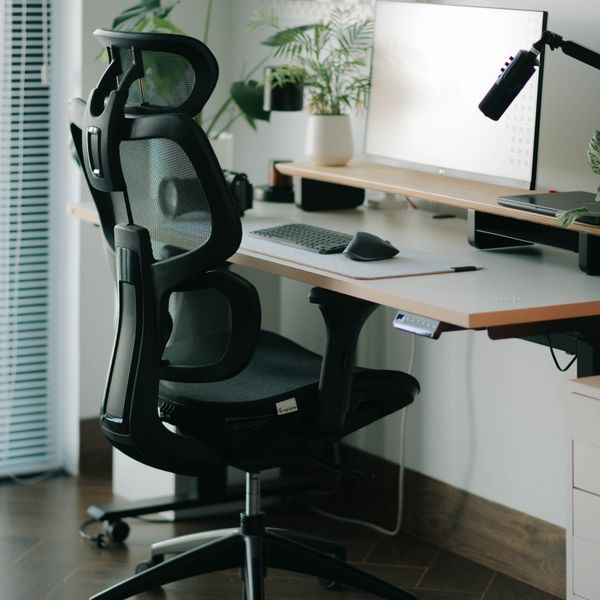
Recline Ergonomic Chair
Deep recline, hidden footrest

Atlas Heavy-Duty Chair
Wide seat, 180 kg rated
Crest Chair Headrest Cushion
Memory foam neck support
Screen at eye level, not looking down
A monitor sat straight on the desk almost always ends up too low, so you spend the session looking down and craning your neck forward — the classic cause of gaming neck ache. Lifting the screen so its top sits at or just below eye level fixes it, and a monitor arm does that while also freeing the desk space underneath for a full sweep of the mouse. A gas-spring arm like the Arc Single Monitor Arm lets you set height, tilt and distance precisely and pull the screen closer or push it back as the game demands. If you play on a large curved ultrawide, the height rule is identical but the panel needs a mount built for its weight, such as the Span Heavy-Duty Ultrawide Arm, so it holds position through the most frantic session rather than sagging. Keep the screen about an arm's length away — closer feels immersive but tires the eyes faster — and make sure the centre of the action sits near your natural eye line so your head stays neutral rather than tilted up or down.

Arc Single Monitor Arm
Gas-spring, full motion
Span Heavy-Duty Ultrawide Arm
Holds 49-inch ultrawides, 15 kg
Wrist and forearm support for the marathon
Fast, repetitive input over long sessions is where gamers pick up wrist and forearm strain, and the standard flat keyboard-and-mouse position does not help — wrists cocked up, forearms rolled flat. A wrist rest such as the Split Keyboard Wrist Rest Set keeps your palms level and supported during the pauses between bursts, so your wrists are not bent back while your hands hover. Rest your palms when you are not mid-action, and keep the wrists floating and neutral when you are. The mouse hand takes the most punishment. Keeping the forearm and wrist neutral matters more than any specific device, but if you already feel strain, a different form factor can take the load off — a roller-bar mouse like the Roller Bar Mouse sits in front of the keyboard and moves the cursor without the sideways wrist reach a normal mouse forces, sharing the work between both hands. For a keeper you will use for years, a solid Walnut Palm Rest outlasts the foam pads that flatten and keeps your keyboard hand level between rounds.
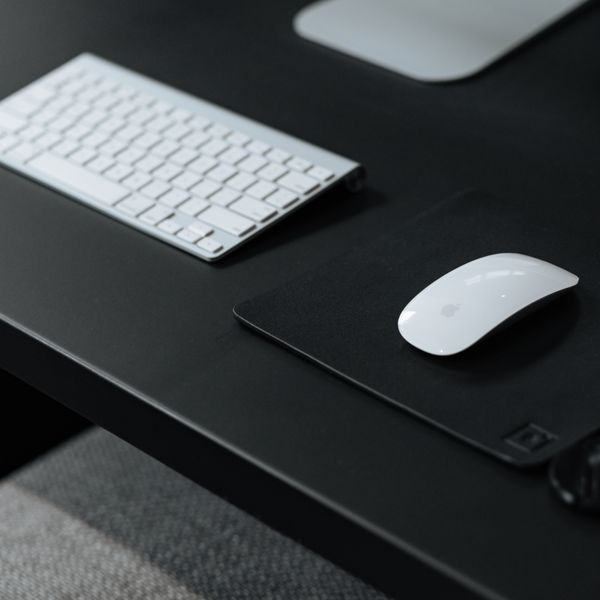
Split Keyboard Wrist Rest Set
Two pads for split boards
Roller Bar Mouse
Central rollbar, both hands

Walnut Palm Rest
Solid wood, firm contour
Lighting and movement: saving your eyes and your back
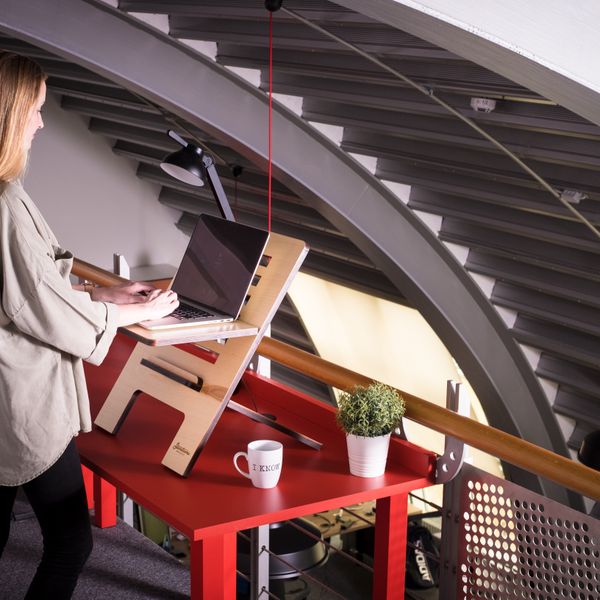
Gaming in a dark room with a bright screen is the fastest route to eye fatigue and headaches, because your eyes fight the harsh contrast between the display and the black around it. A bias light behind the monitor softens that edge by lighting the wall behind the screen — the Verso Bias Light Bar clips on and does exactly that, and it is easier on the eyes over a long night than a lit-up desk in your sightline. A cordless bar like the Solo Cordless Light Bar adds flexible fill light where you need it without another cable to run. The last piece is movement, which gaming actively works against. The single best habit is to break the marathon — stand up, look away from the screen, move for a minute between matches or every 45 minutes or so. A sit-stand desk like the Apex Electric Standing Desk makes that easy by letting you play a few rounds standing and drop back to sit, building the position changes your body needs into the session itself. Comfort at hour five is not about one perfect chair; it is about never holding one position long enough for it to hurt.
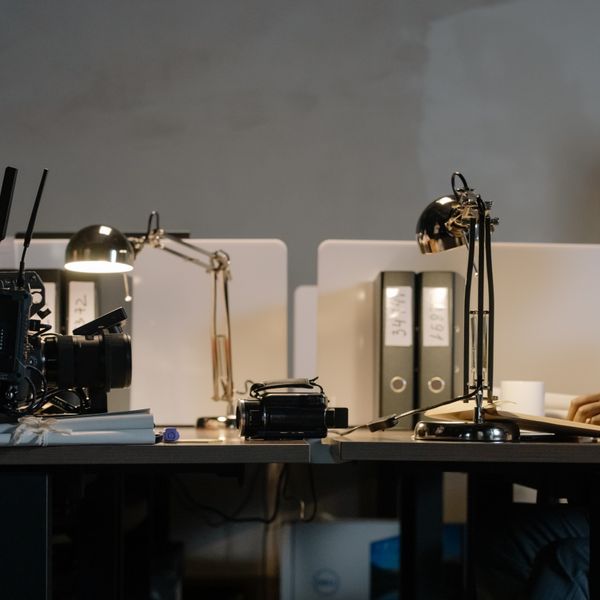
Verso Bias Light Bar
Front task light, rear glow
Solo Cordless Light Bar
Rechargeable, zero trailing cable

Apex Electric Standing Desk
Dual-motor, memory presets
FAQ
What's the most important part of a gaming setup for comfort?
The chair, by a clear margin, because you spend more continuous hours in it than in almost any other activity. Look for genuine lower-back support and a recline so you can shift posture between rounds rather than holding one pose all night. A good chair prevents the back and neck problems long sessions otherwise cause; everything else builds on it.
How do I stop my wrist hurting after long sessions?
Keep your wrist neutral rather than bent up, support your palms during pauses with a wrist rest, and take short breaks to shake the hands out every 45 minutes or so. If strain persists, a different input form factor — such as a roller-bar mouse that shares the load between both hands — can help. Wrist pain that lingers, tingles or wakes you at night is worth taking to a doctor.
Is bias lighting behind the monitor actually worth it?
For gaming in a dark room, yes. Your eyes tire quickly from the harsh contrast between a bright screen and a black surround, and a soft light behind the monitor evens that out, which reduces eye fatigue and headaches over a long session. It also happens to look good — but the real benefit is comfort during the hours you play.
I game for hours without moving — how bad is that, really?
Long unbroken sitting is the part most worth fixing, more than any single piece of gear. Muscles stiffen, circulation slows and posture drifts the longer you hold still. You do not have to game less — just break it up: stand, look away and move for a minute between matches, or use a sit-stand desk to alternate. Frequent small movements beat one long stretch followed by a sore evening.