The ergonomic setup for developers
Developers sit longer, type harder and stare at more screens than almost any other desk job. This is the setup that keeps a full day of coding from becoming a repetitive-strain problem — built around where developers actually get hurt.
At a glance
| Product | Best for | Price | Warranty |
|---|---|---|---|
| Stack Vertical Dual Arm | Two screens stacked vertically | € 119.95 | 2 years |
| Span Heavy-Duty Ultrawide Arm | Holds 49-inch ultrawides, 15 kg | € 99.95 | 2 years |
| Arc Dual Monitor Arm | Two screens, one clamp | € 129.95 | 2 years |
| Basin Contoured Keyboard | Concave key wells, thumb clusters | € 179.95 | 2 years |
| Wave Ergonomic Keyboard | Curved, cushioned rest | € 59.95 | 2 years |
| Vertical Wireless Mouse | Slim vertical, quiet clicks | € 34.95 | 2 years |
| Finger Trackball Mouse | Fingertip ball, ambidextrous | € 59.95 | 2 years |
| ErgoPro Mesh Office Chair | Breathable mesh, full adjust | € 249.95 | 2 years |
| Apex Electric Standing Desk | Dual-motor, memory presets | € 399.95 | 2 years |
| Verso Bias Light Bar | Front task light, rear glow | € 84.95 | 2 years |
| Split Keyboard Wrist Rest Set | Two pads for split boards | € 29.95 | 2 years |
| Port 8-in-1 USB-C Dock | One cable, every port | € 69.95 | 2 years |
Why developers get hit hardest
Developers sit longer, type more and stare at more pixels than almost any other desk worker, and they do it in a state of concentration that makes it easy to ignore the body entirely. A deep debugging session can swallow three hours without a single change of position — long enough for a low screen to set a neck ache, a flat keyboard to load the wrists, and an unsupported lower back to start complaining. The strain is cumulative and quiet, which is exactly why it is worth engineering out of the setup rather than noticing once it hurts. The good news is that a developer's setup has a small number of high-leverage points, and fixing them is mostly a one-time job. Screens at the right height protect the neck; the keyboard and mouse decide whether the wrists survive a decade of typing; the chair and the option to stand carry the lower back. Get those three right and the rest is refinement. This is general guidance rather than medical advice — persistent pain is worth taking to a professional — but the geometry below prevents the most common problems before they start.
Screens: two of them, at eye level
Most developers run two screens, and two screens are where neck strain usually creeps in, because at least one of them ends up off to the side and too low. The fix is to lift both to eye level and bring them close enough that you turn rather than crane. A dual arm like the Stack Vertical Dual Arm or the Arc Dual Monitor Arm floats both displays to the same height and lets you angle each toward you, so neither becomes the screen you hunch toward all afternoon. If you have moved to a single ultrawide instead, the height rule is the same but the weight is not — a big curved panel needs a mount built for it, such as the Span Heavy-Duty Ultrawide Arm, which holds the extra mass without sagging over the day. Whichever layout you run, set the top of your primary screen at or just below eye level and about an arm's length away, with your main window centred so your head stays straight rather than turned. A monitor arm also clears the desk beneath the screens, which is where the keyboard wants to sit.

Stack Vertical Dual Arm
Two screens stacked vertically
Span Heavy-Duty Ultrawide Arm
Holds 49-inch ultrawides, 15 kg
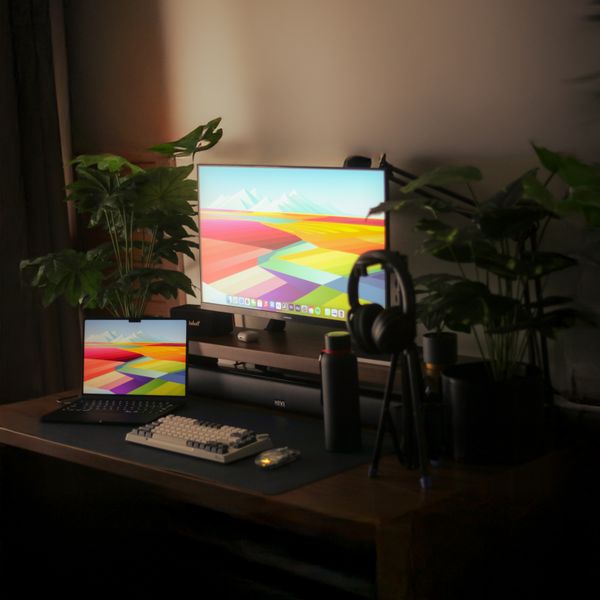
Arc Dual Monitor Arm
Two screens, one clamp
Input: where RSI is won or lost
Input is where a coding career is quietly saved or lost, because the wrists take thousands of keystrokes and constant mouse travel every day. A standard flat keyboard forces your hands together and rolls your wrists outward; a split or contoured board like the Basin Contoured Keyboard or the Wave Ergonomic Keyboard lets your hands sit shoulder-width and angled, keeping the wrists straighter over a full day. Expect a short adaptation week — typing speed dips and then recovers — after which the neutral position simply feels normal. The mouse matters just as much and gets less attention. A vertical mouse such as the Vertical Wireless Mouse turns your forearm into a neutral handshake grip instead of the palm-down twist a flat mouse forces, which is the position most associated with wrist strain. If you would rather keep your hand still altogether, a trackball like the Finger Trackball Mouse moves the cursor with a thumb or finger while your arm stays put — useful on a crowded desk and easy on a wrist that is already complaining. Keyboard shortcuts help here too: every command you do not reach for the mouse to run is load your wrist never takes.

Basin Contoured Keyboard
Concave key wells, thumb clusters
Wave Ergonomic Keyboard
Curved, cushioned rest

Vertical Wireless Mouse
Slim vertical, quiet clicks

Finger Trackball Mouse
Fingertip ball, ambidextrous
The chair, and the case for standing
The chair carries everything above it, and for long sessions the non-negotiable is lower-back support that lets you sit back rather than perch forward over the keyboard. A mesh task chair like the ErgoPro Mesh Office Chair holds the lumbar curve and breathes over a long day, so you are supported at hour three the way you were at hour one. Set it so your hips sit slightly above your knees and your feet stay flat, and let the backrest do the work of holding you upright instead of your muscles. No chair, however good, beats simply changing position — and the cleanest way to build movement into a coding day is a desk that rises. An electric sit-stand desk like the Apex Electric Standing Desk switches between sitting and standing in seconds with memory presets, so you can stand through a code review or a long build and sit to write. Many developers alternate every thirty to sixty minutes; the healthiest posture really is just your next one, and a motorised desk removes the friction that otherwise keeps you glued to the chair.

ErgoPro Mesh Office Chair
Breathable mesh, full adjust

Apex Electric Standing Desk
Dual-motor, memory presets
Lighting and the details that compound
The last layer is the details that compound over years. Screen glare and a dark room around a bright display are a recipe for eye fatigue by evening, so a bias light behind the monitor — the Verso Bias Light Bar clips on and throws soft light onto the wall behind — flattens that contrast and takes the edge off long sessions. Pair it with a wrist rest such as the Split Keyboard Wrist Rest Set to keep your palms level during the pauses between bursts of typing, without planting a moving wrist into a hard edge while you work. Finally, tame the cables. Developers accumulate peripherals — external drives, a capture card, a second machine, a mechanical keyboard's own dongle — and a single USB-C dock like the Port 8-in-1 USB-C Dock turns morning setup into one plug instead of six, so the ergonomic layout you built does not get bypassed on the days you are in a hurry. A clean, one-cable desk is the one you will actually keep using, which is what makes all the rest of it pay off.
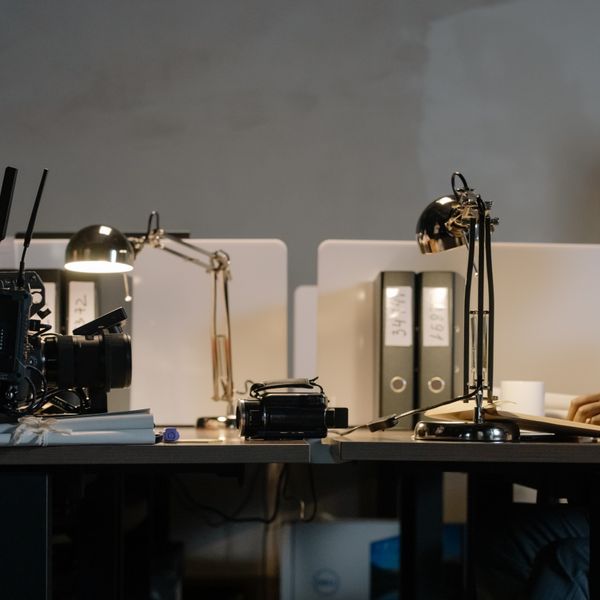
Verso Bias Light Bar
Front task light, rear glow
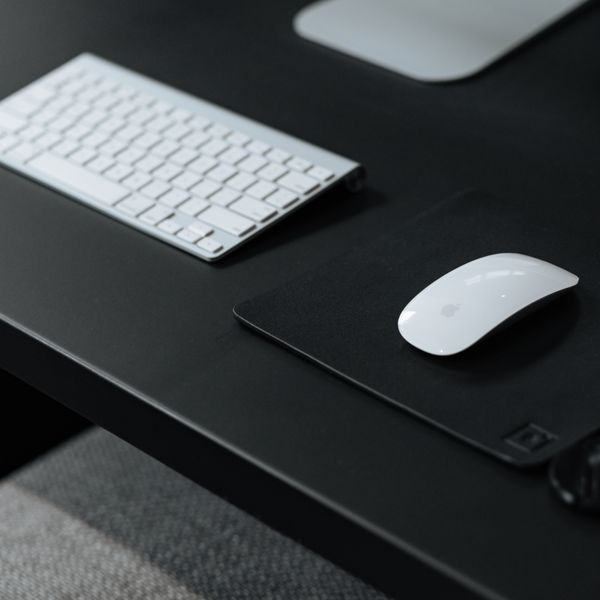
Split Keyboard Wrist Rest Set
Two pads for split boards
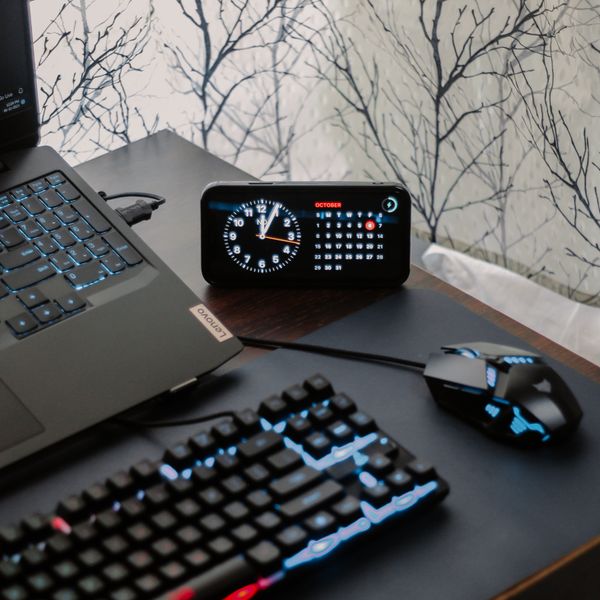
Port 8-in-1 USB-C Dock
One cable, every port
FAQ
What's the single most important upgrade for a developer's desk?
Screen height, if you only change one thing. A monitor or laptop screen that sits too low pulls your head forward for hours and is the most common source of desk neck pain among developers. Raising your main screen so its top is at or just below eye level — with an arm or a riser — fixes the biggest problem for the least money. The keyboard and mouse come next.
Are split or ergonomic keyboards worth the learning curve?
For anyone typing all day, usually yes. There is a real adaptation period — typically a week or two where your speed drops — but a split or contoured layout keeps your wrists straighter and your shoulders more open over a full day, which is exactly the exposure that adds up for developers. If you code for a living, the one-time cost of relearning buys years of more neutral typing.
Two monitors or one ultrawide for coding?
Both work; it is a workflow preference. Two screens give you a hard split — code on one, docs or terminal on the other — and let you angle each toward you. An ultrawide is one continuous surface that is better for wide diffs and side-by-side panes without a bezel down the middle. Ergonomically the rule is identical: top of the primary area at eye level, roughly an arm's length away, and mounted so your head stays straight.
I already have wrist pain — what should I change first?
Start by getting your keyboard to elbow height with your wrists straight and floating rather than bent up or planted, and switch to a mouse that keeps your forearm neutral, like a vertical mouse or a trackball. Add a wrist rest for the pauses, and take a genuine screen-and-hands break every 30 to 45 minutes. That said, wrist pain that persists, tingles or wakes you at night is worth taking to a doctor or physiotherapist rather than solving with gear alone.