The complete home-office setup checklist
A home office is more than a desk in a corner. This is the full checklist — from picking the right spot in the room to the height of your screen, the chair under you, and looking sharp on a video call — built so you can do it in sensible stages.
At a glance
| Product | Best for | Price | Warranty |
|---|---|---|---|
| Apex Electric Standing Desk | Dual-motor, memory presets | € 399.95 | 2 years |
| Rise Standing Desk Converter | Sit-stand, two-tier | € 189.95 | 2 years |
| Pillar Sit-Stand Frame | Add your own top | € 279.95 | 2 years |
| Zenith Monitor Riser | Bamboo shelf, cable slot | € 59.95 | 2 years |
| Arc Single Monitor Arm | Gas-spring, full motion | € 79.95 | 2 years |
| Duo Dual-Monitor Riser | Wide shelf for two screens | € 74.95 | 2 years |
| ErgoPro Mesh Office Chair | Breathable mesh, full adjust | € 249.95 | 2 years |
| Lumbar Back Support | Memory foam, straps | € 44.95 | 2 years |
| Base Footrest | Tilting, non-slip top | € 34.95 | 2 years |
| Pulse Split Keyboard | Split & tented, wireless | € 89.95 | 2 years |
| Curve Ergonomic Mouse | Vertical grip, wireless | € 44.95 | 2 years |
| Wave Keyboard Wrist Rest | Memory foam, non-slip | € 24.95 | 2 years |
| Lumina Monitor Light Bar | Screen-safe, no glare | € 64.95 | 2 years |
| Stream 1080p Webcam | Sharp calls, privacy shutter | € 54.95 | 2 years |
| Port 8-in-1 USB-C Dock | One cable, every port | € 69.95 | 2 years |
| Clip Cable Management Kit | Clips, sleeves & ties | € 14.95 | 2 years |
Start with the space, not the shopping list
Before you buy anything, choose where the desk goes. Aim for a spot where daylight comes from the side rather than behind or in front of you: light behind you bounces off the screen as glare, light in front makes the camera stare into a bright window on calls. A depth of at least 60–70 cm from front to back gives your screen room to sit an arm's length away; 80 cm is more comfortable once a monitor, keyboard and a mug are all competing for space. Think about what sits behind you too, because on video calls that becomes your background — a plain wall or a shelf is kinder than a doorway with people walking through. If you can, keep the work zone separate from where you relax; even a corner that is only ever 'the office' helps you switch off at the end of the day. None of this costs money, and getting it right first means every piece of gear you add later actually fits.
The desk: get the height right first
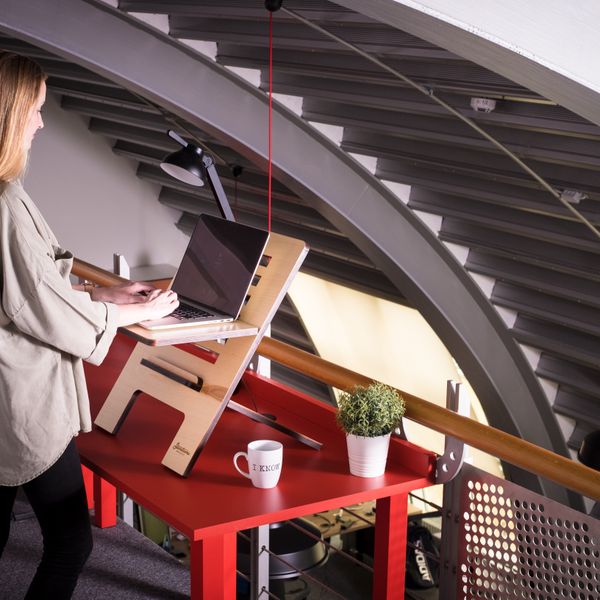
Seated, the desk should let your forearms rest roughly parallel to the floor with elbows open a little past 90°. For most adults that lands around 72–75 cm from the floor to the tabletop. A surface that is too high creeps into your shoulders within an hour; too low and you hunch forward. If your desk is fixed and slightly off, adjust the chair instead and use a footrest to make up the gap. The single biggest upgrade for long days is being able to change posture, and that means sitting and standing. A full electric desk with memory presets makes it effortless to swap positions a few times a day, which beats holding any one posture for hours. If you already own a tabletop you like, or you're renting and want to keep things reversible, a converter that lifts your screen and keyboard on top of your existing desk gets you most of the benefit for less.

Apex Electric Standing Desk
Dual-motor, memory presets
Rise Standing Desk Converter
Sit-stand, two-tier

Pillar Sit-Stand Frame
Add your own top
Put the screen at eye level
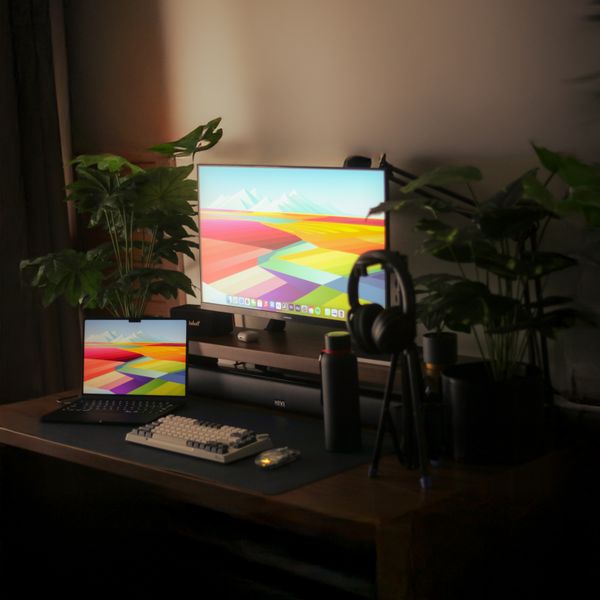
This is the fix that saves the most necks. Sitting upright, the top of the screen should be at or just below eye level, so your gaze falls naturally onto the top third without tilting your head down. Distance matters as much as height: an arm's length away, roughly 50–70 cm, is the sweet spot for a normal-sized monitor. A laptop used on its own breaks both rules at once — it sits far too low — so raise it and add a separate keyboard and mouse. A solid riser is the simplest route: it lifts the screen to the right height, and the space underneath swallows a keyboard, cables or a notebook when you're done. If you want to reclaim the desktop entirely or fine-tune the angle through the day, a clamp-on monitor arm floats the screen off the desk and lets you push it back, tilt it or share it across a call. Running two monitors? Match their tops to the same line so your eyes don't have to re-focus every time you glance across — a dual riser or dual arm keeps them level.

Zenith Monitor Riser
Bamboo shelf, cable slot

Arc Single Monitor Arm
Gas-spring, full motion
Duo Dual-Monitor Riser
Wide shelf for two screens
A chair that actually fits you
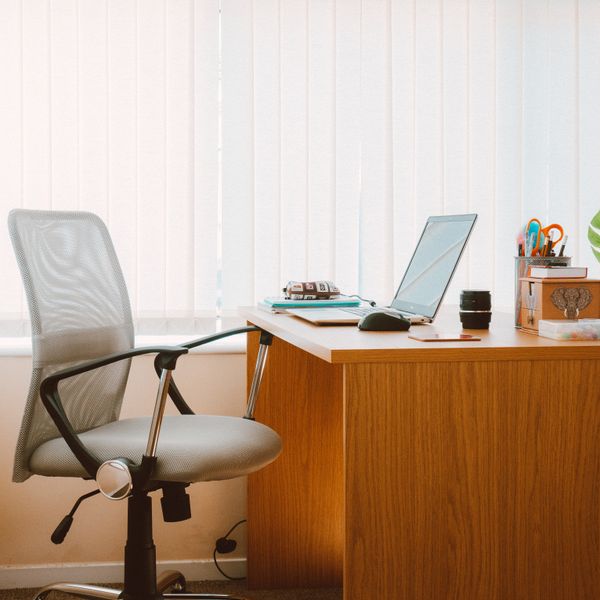
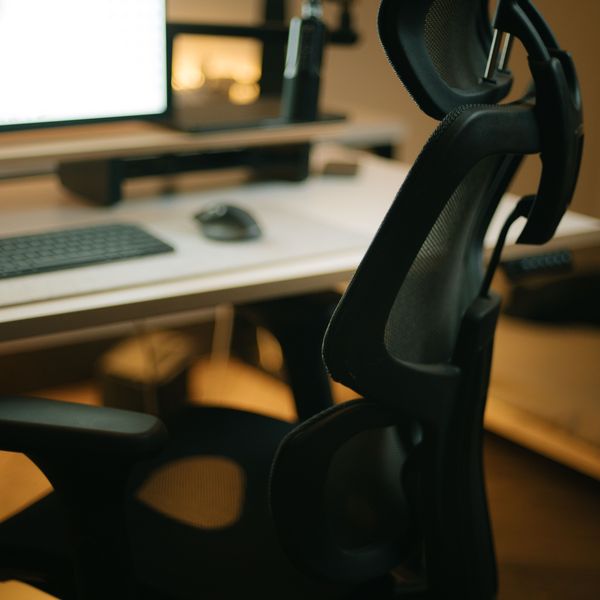
You spend more hours in the chair than on anything else, so it earns the biggest share of the budget. Set the seat height so your feet rest flat and your knees sit at roughly 90°, or a touch below your hips. Sit right back so the backrest carries your spine rather than perching on the front edge. Look for adjustable seat height, a backrest that supports the lower curve of your spine, and armrests that let your shoulders drop rather than shrug. Mesh keeps you cooler over a full day and a properly shaped backrest does most of the work of good posture for you. If your current chair is fine except for a hollow at the lower back, a lumbar cushion fills that gap for far less than a new chair. And if your feet don't reach the floor once the seat is at the right height — common for shorter people or taller desks — a tilting footrest stops your legs dangling and taking the pressure onto the back of your thighs.
ErgoPro Mesh Office Chair
Breathable mesh, full adjust
Lumbar Back Support
Memory foam, straps

Base Footrest
Tilting, non-slip top
Keyboard, mouse and wrists
With the screen and chair sorted, your hands are the next weak point. Keep wrists straight and level as you type — not bent up, down or out to the sides — with elbows staying close to your body rather than reaching forward. A standard flat keyboard and mouse force a subtle inward twist of the forearms that adds up over a week of full days. A split, gently tented keyboard lets your hands sit at shoulder width with the thumbs slightly higher, which unwinds that twist and opens the shoulders. A vertical or contoured mouse does the same for the mousing hand by turning the palm inward to a natural handshake angle instead of pressing it flat. A wrist rest isn't there to lean on constantly — it's a soft place to park your hands during pauses so the desk edge doesn't dig into the underside of your wrist. This is general comfort guidance, not medical advice; if you have persistent wrist or forearm pain, see a professional.

Pulse Split Keyboard
Split & tented, wireless
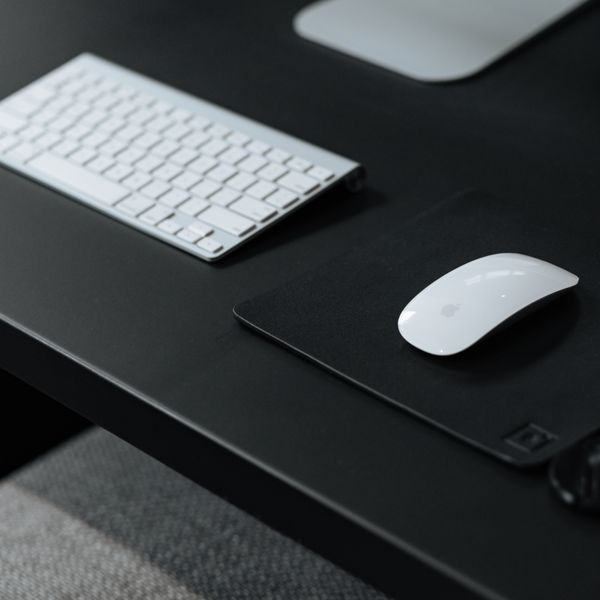
Curve Ergonomic Mouse
Vertical grip, wireless
Wave Keyboard Wrist Rest
Memory foam, non-slip
Light, cables and looking good on calls
Good light cuts eye strain more than most people expect. The goal is even, flicker-free light landing on your desk and documents — not on the screen, which just adds glare. A monitor light bar clips to the top of your screen and lights the desk in front of you without casting anything back at your eyes or eating desk space, and it's ideal in the evening when the room light drops. Add a desk lamp if you still work with paper. Match warmer, softer light in the evening and cooler, brighter light by day. Calls are where a home office is judged, and the fixes are quick. Face a window or a lamp so your face is lit from the front, raise the camera to eye level so you're not filmed from below, and a dedicated webcam beats most built-in laptop cameras for sharpness. Finally, tidy the cables: a single USB-C dock turns one cable into your monitor, power and peripherals so you can unplug the laptop and leave in seconds, and a handful of clips and sleeves keeps the rest off the floor. A clean desk photographs better and cleans quicker.
Lumina Monitor Light Bar
Screen-safe, no glare
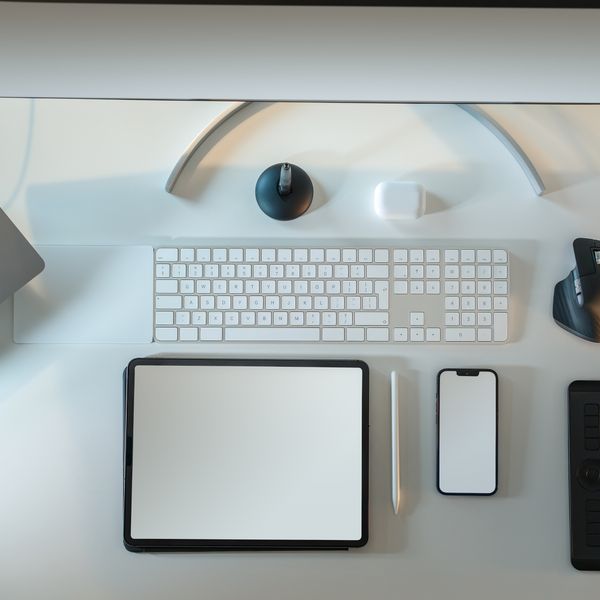
Stream 1080p Webcam
Sharp calls, privacy shutter
Port 8-in-1 USB-C Dock
One cable, every port
Clip Cable Management Kit
Clips, sleeves & ties
FAQ
If I can only buy a few things first, what matters most?
Screen height and a neutral wrist position give the biggest return, so start there: get the top of your monitor to eye level (a riser or arm) and use a separate keyboard and mouse if you're on a laptop. The chair is the next priority since you're in it all day. Lighting, docks and cable tidying can follow once the ergonomic basics are in place.
Is a standing desk actually worth it?
The benefit isn't standing all day — it's being able to change posture easily, so you're not locked into one position for hours. If you'll genuinely switch a few times a day, a sit-stand desk or a converter earns its place. If you know you'll never raise it, put that money into a better chair and screen setup instead.
My room is small — can I still set this up well?
Yes. A desk only needs about 60–70 cm of depth, and a monitor arm or a converter frees up the surface a fixed riser would occupy. Prioritise screen height, a chair that fits, and light from the side. A compact keyboard and a single dock also cut the clutter that makes a small space feel cramped.
How do I stop looking washed-out or dark on video calls?
Light your face from the front, not from behind — sit facing a window or put a lamp in front of you rather than at your back, which turns you into a silhouette. Raise the camera to roughly eye level so you're not shot from below, and a dedicated webcam is usually sharper and better in low light than a laptop's built-in camera.