Ergonomic setup for a small desk
A small desk doesn't have to mean a compromised posture. The trick is to stop adding things to the surface and start reclaiming the space you already have — vertically, and underneath.
At a glance
| Product | Best for | Price | Warranty |
|---|---|---|---|
| Arc Single Monitor Arm | Gas-spring, full motion | € 79.95 | 2 years |
| Lumina Monitor Light Bar | Screen-safe, no glare | € 64.95 | 2 years |
| Aero Laptop Stand | Aluminium, adjustable angle | € 39.95 | 2 years |
| Summit Foldable Laptop Stand | Folds flat, 6 heights | € 34.95 | 2 years |
| Compact Wireless Keyboard | Low-profile, tidy | € 44.95 | 2 years |
| Curve Ergonomic Mouse | Vertical grip, wireless | € 44.95 | 2 years |
| Nook Under-Desk Cable Tray | Steel mesh, clamp mount | € 27.95 | 2 years |
| Clip Cable Management Kit | Clips, sleeves & ties | € 14.95 | 2 years |
| Lite Ergonomic Task Chair | Compact, supportive | € 159.95 | 2 years |
| Base Footrest | Tilting, non-slip top | € 34.95 | 2 years |
Get the geometry right before you buy anything
Good ergonomics is a set of angles, and those angles don't change because your desk is small. Aim for the same targets a large setup would use: elbows bent between roughly 90 and 110 degrees with your forearms level, wrists straight rather than bent up or down, and the top of your screen at or just below eye height so your gaze falls on the upper third without you tilting your head. Your eyes want to sit about an arm's length from the screen — 50 to 70 cm for most people. Feet flat on the floor, knees near 90 degrees, and a couple of centimetres of clearance behind your knees. The reason to measure first is that a small desk fails these targets in a specific, predictable way. Most compact desks are shallow — 45 to 60 cm deep rather than the 70 to 80 cm that comfortably fits a monitor plus a keyboard with forearm support. That shallowness is the real problem, not the width. It forces the screen too close to your eyes and leaves no room to rest your wrists in front of the keyboard. Almost every recommendation below is about buying that depth back. Grab a tape measure, note your desk's depth and thickness, and check where your eyes land relative to your current screen before you change anything.
The biggest win: get the screen off the desk
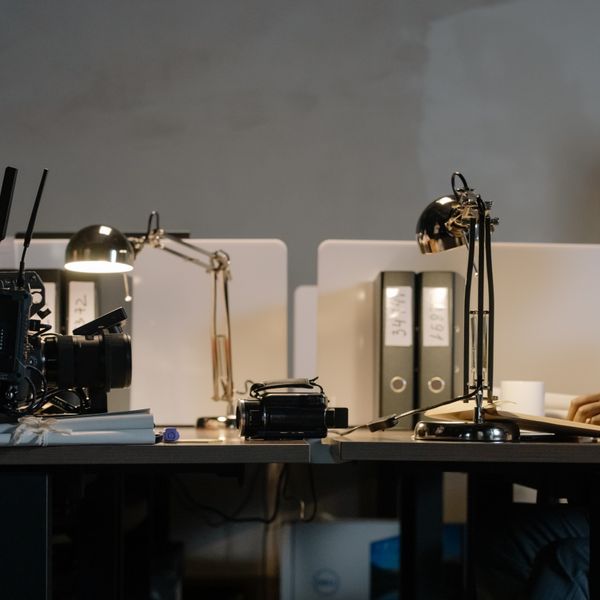
On a shallow desk, a monitor's stand is the single greediest object you own. A typical stand eats 15 to 25 cm of depth and pins the screen wherever its foot happens to sit — usually far too close to your face. A clamp-mounted monitor arm removes the foot entirely, freeing that whole footprint, and lets you push the screen back to the very back edge of the desk to recover viewing distance. That single change often turns an unusable 50 cm desk into a comfortable one. The Arc Single Monitor Arm clamps to a desk edge and moves the screen through full height, tilt and depth, so you set eye height and distance independently of where the base would have forced them. Do one quick check before ordering: most clamps grip a top thickness of roughly 1 to 9 cm and need a few centimetres of clear edge behind the desk, so make sure there's no back rail or wall flush against it. While you're clearing the surface, lighting is the next thing to lift off it. A desk lamp is another object competing for scarce space; a monitor light bar like the Lumina Monitor Light Bar sits on the top edge of your screen, throws light forward onto the desk without glare or screen reflections, and takes up zero surface area.

Arc Single Monitor Arm
Gas-spring, full motion
Lumina Monitor Light Bar
Screen-safe, no glare
If you work on a laptop, lift it and split it up
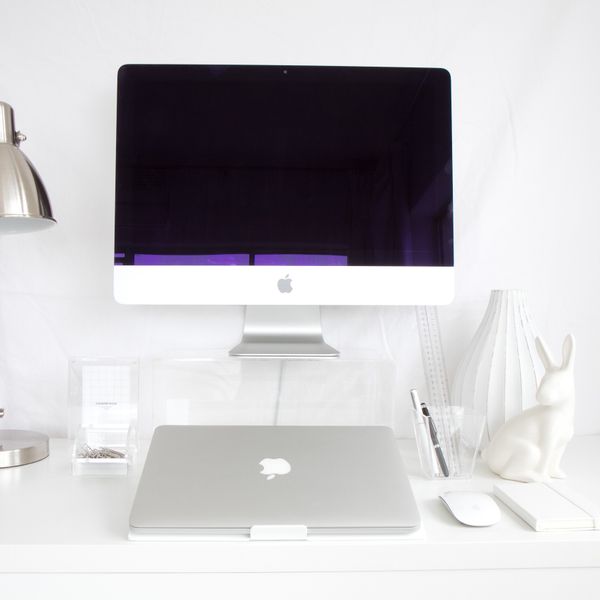
A laptop on a small desk is an ergonomic trap: the screen is too low, so you crane your neck, but if you raise the laptop to fix that, the keyboard rides up with it and your shoulders shrug. The fix is to lift the screen to eye height and move your hands back down to the desk with a separate keyboard and mouse. A laptop stand does the lifting. The Aero Laptop Stand raises and angles the screen on a fixed aluminium riser; if desk space is truly tight, the Summit Foldable Laptop Stand folds flat and packs away when you need the surface back for something else. Raising the laptop only works if you then type on something else, because you can no longer reach the built-in keyboard comfortably. That's not a downgrade on a small desk — it's the point. A slim external keyboard and mouse let you set screen height and hand height separately, exactly as the geometry above wants, and they cost you far less depth than the laptop's own footprint did.

Aero Laptop Stand
Aluminium, adjustable angle
Summit Foldable Laptop Stand
Folds flat, 6 heights
Shrink the input zone to buy back depth
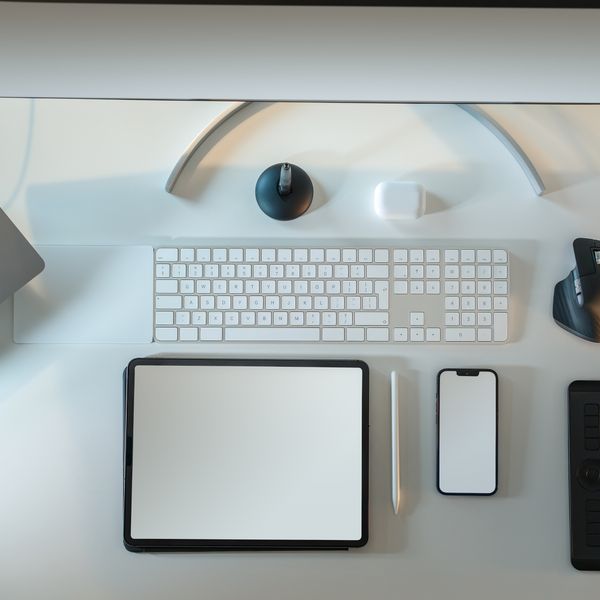
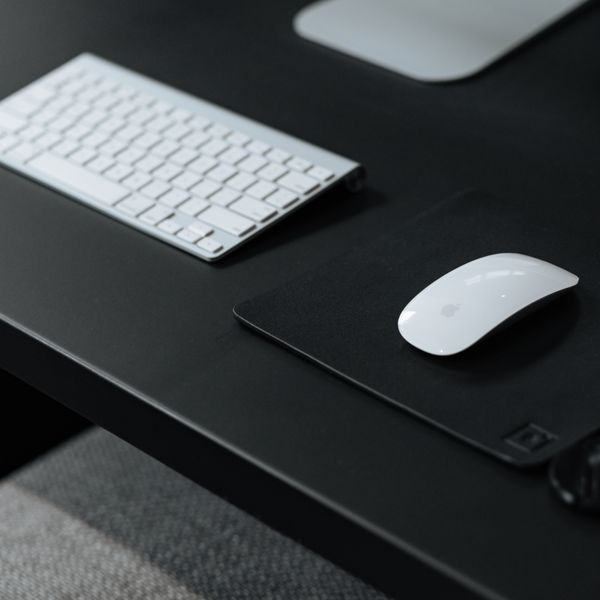
Once the screen is handled, your keyboard and mouse decide how much depth is left for your forearms. A full-size keyboard with a number pad is often 44 to 46 cm wide and pushes the mouse out to an awkward reach, which twists your shoulder. A compact, low-profile keyboard drops the number pad and brings the mouse back in line with your shoulder, keeping the whole input zone tidy and square in front of you. The Compact Wireless Keyboard is built for exactly this — low profile so your wrists stay flatter, and narrow enough to leave room to work. The other half is the mouse. A conventional flat mouse rotates your forearm palm-down and loads the wrist; an ergonomic mouse holds your hand in a more neutral handshake angle, which is easier on the wrist over a long day. The Curve Ergonomic Mouse is wireless, so there's no cable adding clutter to a surface that hasn't any to spare. Aim to leave about 10 to 15 cm of clear desk in front of the keyboard so your wrists rest on the desk rather than hovering or bending up over the front edge.
Compact Wireless Keyboard
Low-profile, tidy
Curve Ergonomic Mouse
Vertical grip, wireless
Don't forget the space under the desk
A small desk usually means a small footprint overall, so the space beneath it is precious and easy to lose. Cables are the quiet enemy here: a tangle on the floor eats legroom and stops you sliding your chair in far enough to sit properly. An under-desk cable tray such as the Nook Under-Desk Cable Tray clamps out of sight and lifts the whole mess off the floor, and a Clip Cable Management Kit tidies the runs up to your devices so nothing drapes across the surface and drags you forward. Seating matters just as much on a small setup, and a bulky chair can crowd the room as badly as a bulky desk. A compact task chair like the Lite Ergonomic Task Chair gives you proper back support and height adjustment in a smaller frame. If raising your chair to hit the right elbow height leaves your feet dangling — common on a fixed-height small desk — a Base Footrest restores the flat-feet, 90-degree-knee position instead of letting your legs hang and your posture slump. This is general guidance, not medical advice; if you have persistent pain, see a professional.

Nook Under-Desk Cable Tray
Steel mesh, clamp mount
Clip Cable Management Kit
Clips, sleeves & ties

Lite Ergonomic Task Chair
Compact, supportive

Base Footrest
Tilting, non-slip top
FAQ
What is the minimum desk depth for an ergonomic setup?
Around 70 to 80 cm of depth comfortably fits a monitor plus a keyboard with room to rest your forearms. Below that, a monitor arm becomes the key move: by clamping the screen to the back edge and removing the stand's footprint, you can make a desk as shallow as 45 to 50 cm work by recovering viewing distance you'd otherwise lose.
Can I use a standing desk if my desk is small?
Yes — a desk converter sits on top of your existing surface and lifts your screen and keyboard to standing height, then lowers back down. It does occupy the desktop while in use, so it suits a small desk best if you keep the surface otherwise clear. If you want the standing option without any permanent footprint, a foldable laptop stand plus separate keyboard is a lighter-weight alternative for shorter standing spells.
Will a monitor arm fit my small desk?
Usually, but check two things first. Most clamps grip a desktop between about 1 and 9 cm thick, so measure your top. They also need a few centimetres of clear edge behind the desk for the clamp to close, so a desk pushed flush against a wall or with a back rail may need a grommet mount instead. Also confirm your desk can take the load near the edge; very thin or hollow tops can flex.