Laptop ergonomics: fixing the laptop hunch
A laptop is one device asked to do two jobs at once, and it does both slightly wrong. Fix the geometry and the hunch mostly disappears.
At a glance
| Product | Best for | Price | Warranty |
|---|---|---|---|
| Aero Laptop Stand | Aluminium, adjustable angle | € 39.95 | 2 years |
| Wave Ergonomic Keyboard | Curved, cushioned rest | € 59.95 | 2 years |
| Curve Ergonomic Mouse | Vertical grip, wireless | € 44.95 | 2 years |
| Base Footrest | Tilting, non-slip top | € 34.95 | 2 years |
| Arc Single Monitor Arm | Gas-spring, full motion | € 79.95 | 2 years |
| Zenith Monitor Riser | Bamboo shelf, cable slot | € 59.95 | 2 years |
| Port 8-in-1 USB-C Dock | One cable, every port | € 69.95 | 2 years |
| Summit Foldable Laptop Stand | Folds flat, 6 heights | € 34.95 | 2 years |
| Compact Wireless Keyboard | Low-profile, tidy | € 44.95 | 2 years |
| Vertical Wireless Mouse | Slim vertical, quiet clicks | € 34.95 | 2 years |
Why laptops make you hunch
A laptop's screen and keyboard are bolted together about 20 centimetres apart. That is the whole problem. Put the keyboard at a comfortable elbow height and the screen sits far below eye level, so you tip your head forward to read it. Raise the screen instead and the keyboard ends up around chest height, so your shoulders climb and your wrists bend back. There is no laptop posture that gets both right; the hinge forces a compromise, and your neck usually pays for it. The reason this matters is leverage. Your head weighs roughly 5 kilograms when it sits balanced over your spine. Tilt it forward to look down at a low screen and the muscles along the back of your neck have to counter that weight on a lengthening lever, so the effective load on your neck rises steeply the further you crane. Hold that for a morning of email and you get the familiar tight, achy band across the shoulders and base of the skull. On a laptop you feel it fastest because the screen is the lowest of any device you own.
The one rule that fixes it: separate the two halves
Everything else follows from a single move. Lift the laptop until the top of the screen is level with your eyes, then add an external keyboard and mouse at elbow height. Now the screen is where your neck wants it and your hands are where your wrists want them, because they are no longer tied to the same object. This is the difference between a device you glance down at and a proper workstation. A dedicated stand does this cleanly and holds the machine at a stable angle so the hinge does not creep down over the day. The Aero Laptop Stand raises the screen on an aluminium frame with an adjustable tilt, and its open back lets air reach the underside so the laptop does not throttle under load. Pair it with any external keyboard and a mouse you actually like; the stand only works as half of the fix. Without the external pair you have simply moved the typing too high, which trades a sore neck for sore shoulders.

Getting the heights right
Numbers help here because 'about right' tends to drift low. Sit back in your chair with your feet flat and your upper arms hanging straight down. Your elbows should fall at roughly a 90 to 100 degree angle and your forearms should reach the keyboard almost level with the desk, wrists straight rather than cocked upward. That elbow height sets where the keyboard goes; the desk does not. For the screen, the top edge should sit at or just below eye level so your gaze drops slightly, around 10 to 20 degrees, to the middle of the display. Arm's length away, roughly 50 to 70 centimetres, is a comfortable viewing distance for a laptop-sized screen. A separate keyboard and pointing device let you dial the hand height in independently: a curved board keeps the wrists neutral, and a vertical-grip mouse lets the forearm rest in a handshake position instead of rolling flat. If setting the keyboard at elbow height leaves your feet dangling, a tilting footrest restores the flat-foot base that keeps the whole posture from sliding forward.

Wave Ergonomic Keyboard
Curved, cushioned rest
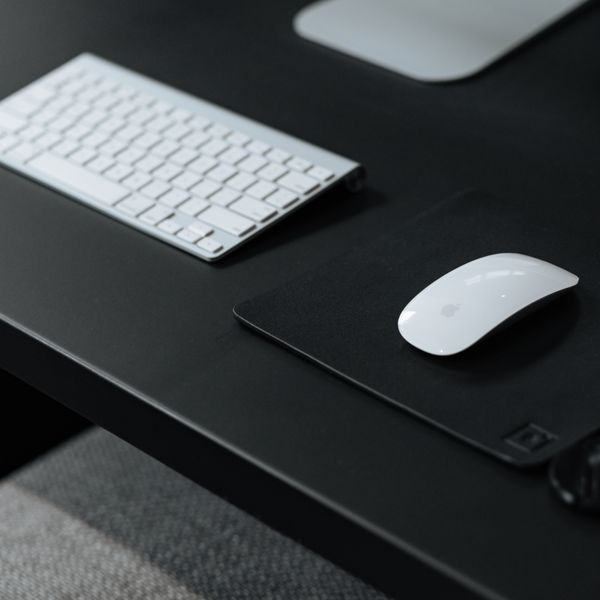
Curve Ergonomic Mouse
Vertical grip, wireless

Base Footrest
Tilting, non-slip top
At a fixed desk, add a real monitor
If the laptop lives at one desk most days, the best upgrade is a second screen at the correct height with the laptop running below it as a secondary display. You get more usable pixels, and the main screen sits exactly where your neck wants it rather than perched on a stand. A gas-spring arm floats the monitor to eye level and swings it out of the way when you need the desk; a solid riser is the simpler, fixed-height version of the same idea and doubles as a shelf that reclaims the space underneath. The wiring is worth solving at the same time. A single USB-C dock connects the monitor, keyboard, mouse, power and network through one cable, so docking in the morning is one plug rather than five. That also means you can lift the laptop off the desk and onto its stand without a fistful of cables tethering it down, which is what makes the ergonomic setup something you actually use every day instead of bypassing when you are in a hurry.

Arc Single Monitor Arm
Gas-spring, full motion

Zenith Monitor Riser
Bamboo shelf, cable slot
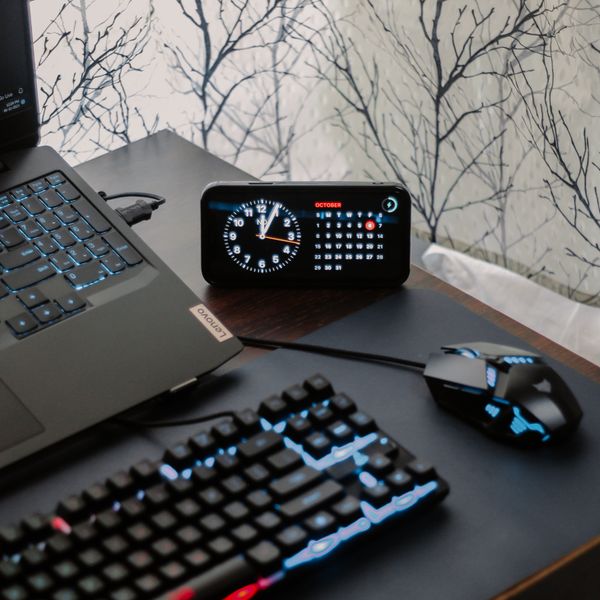
Port 8-in-1 USB-C Dock
One cable, every port
Staying ergonomic away from the desk
The laptop hunch travels with you, so the mobile version of the fix is worth carrying. A folding stand that collapses flat weighs almost nothing and rebuilds a proper screen height at a hotel desk, a kitchen table or a shared office. Add a low-profile wireless keyboard and a compact mouse and the whole kit slips into a laptop bag, turning any flat surface into a workstation in under a minute. Even with nothing packed, a few habits blunt the damage. Prop the laptop on a couple of books to lift the screen, tuck your chin rather than poke it forward, and take a genuine break from the screen every 30 to 45 minutes rather than pushing through. Short, frequent breaks reset the neck muscles far better than one long stretch at the end of the day, and they cost nothing.

Summit Foldable Laptop Stand
Folds flat, 6 heights
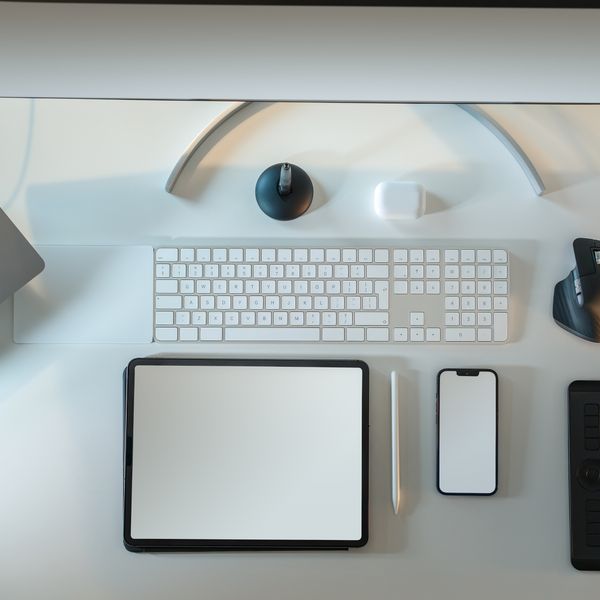
Compact Wireless Keyboard
Low-profile, tidy

Vertical Wireless Mouse
Slim vertical, quiet clicks
FAQ
Is a laptop stand enough on its own?
Only with an external keyboard and mouse. Raising the screen without them moves your typing up to chest height, which swaps a hunched neck for lifted shoulders and bent wrists. The stand is half of the fix; the external pair is the other half.
Screen height or keyboard height, which matters more?
Both, because they cause different problems. A low screen drives the forward head tilt that strains your neck; a high keyboard bends your wrists and raises your shoulders. Splitting the laptop into two pieces is the only way to get both correct at the same time.
I only use my laptop for an hour or two a day, do I need any of this?
For short, occasional sessions the laptop is fine as it is; the geometry only bites over sustained hours. If you regularly spend a working day on it, even a stand and a cheap external keyboard make a clear difference. This is general guidance, not medical advice; see a professional for persistent pain.
What if I travel constantly?
A folding aluminium stand plus a compact wireless keyboard and a small mouse fit in a laptop bag and rebuild a proper setup on almost any flat surface. It is the same three-piece principle as a fixed desk, just packable.