How to reduce eye strain from screens
Sore, dry, tired eyes after a day at the screen are rarely about the screen alone. They come from distance, lighting, and how rarely you look away. Here is how to fix each one.
At a glance
| Product | Best for | Price | Warranty |
|---|---|---|---|
| Zenith Monitor Riser | Bamboo shelf, cable slot | € 59.95 | 2 years |
| Lift Adjustable Riser | 3 stacking heights | € 44.95 | 2 years |
| Arc Single Monitor Arm | Gas-spring, full motion | € 79.95 | 2 years |
| Glide Gas-Spring Arm | Ultrawide-ready | € 89.95 | 2 years |
| Focus Desk Lamp | Dimmable, warm to cool | € 49.95 | 2 years |
| Lumina Monitor Light Bar | Screen-safe, no glare | € 64.95 | 2 years |
| Halo Screen Light Bar | Auto-dimming | € 54.95 | 2 years |
| Aura LED Task Lamp | Compact, touch dimmer | € 39.95 | 2 years |
| Swing Architect Lamp | Long reach, clamp base | € 59.95 | 2 years |
Why screens tire your eyes
Digital eye strain (the clinical term is computer vision syndrome) is not damage — it is fatigue. Three things drive it. First, sustained near-focus: the tiny muscles that pull your lens into shape to keep close text sharp simply do not get a break across an eight-hour day, and they ache like any other muscle held under tension. Second, a collapsed blink rate. At rest you blink roughly 15 to 20 times a minute; locked onto a screen that can drop by half, so your tear film evaporates and the surface of the eye dries out, which reads as grittiness, burning, or blurring that clears when you blink hard. Third, contrast and glare: when a bright window or ceiling light sits in your field of view alongside a darker screen, your pupils keep readjusting between the two, and that constant work is tiring on its own. The useful consequence is that none of these are solved by buying a special screen. They are solved by changing distance, light, and habits. The sections below tackle each in turn, starting with the single change that helps most people the most: moving the monitor to where your eyes were built to work.
Get the distance and height right first
Most people sit too close. Put the monitor about an arm's length away — 50 to 70 cm from your eyes for a typical 24 to 27-inch display — and further for anything larger. Greater viewing distance relaxes the focusing muscles and shrinks the eye movements you make to scan a line of text, both of which cut fatigue directly. If text looks small at that distance, do not lean in; increase the text size in software (covered below). Height matters just as much. The top of the screen should sit at or slightly below eye level, so your natural resting gaze lands on the upper third and travels gently downward across the rest. A screen that is too high forces you to open your eyes wider, exposing more surface to the air and drying them faster — one reason a laptop flat on the desk is so tiring. Tilt the panel back 10 to 20 degrees so it faces your eyes squarely rather than reflecting the ceiling. A riser like the Zenith Monitor Riser or the height-adjustable Lift Adjustable Riser is the simplest fix; if you want to fine-tune distance, tilt, and height independently and free up desk depth, a clamp-mounted arm such as the Arc Single Monitor Arm or the gas-spring Glide Gas-Spring Arm lets you push the screen back and set the exact angle in seconds.

Zenith Monitor Riser
Bamboo shelf, cable slot

Lift Adjustable Riser
3 stacking heights

Arc Single Monitor Arm
Gas-spring, full motion

Glide Gas-Spring Arm
Ultrawide-ready
Balance the light and kill the glare
Your eyes are happiest when the screen and its surroundings are close in brightness. A bright screen in a dark room, or a dim screen against a sunlit window, forces the pupil to keep resizing — tiring and often the real cause of an evening headache. Aim for a screen brightness that roughly matches the wall behind it. A quick test: if the screen looks like a light source glowing at you, it is too bright for the room; if it looks grey and flat, the room is too bright or the screen too dim. Glare is the other half of the problem. Position the monitor so windows are to your side, not in front of you (reflecting off the screen) or behind you (shining into your eyes). Use a soft, indirect desk light that spills onto the desk and page rather than the screen itself — the Focus Desk Lamp does this with an adjustable head you can aim away from the panel. Better still for screen work is a monitor light bar that clamps to the top edge and throws light forward onto the desk while casting nothing onto the display: the Lumina Monitor Light Bar and the slimmer Halo Screen Light Bar both add task light without adding a single reflection, which is exactly what you want when the rest of the room is dim.
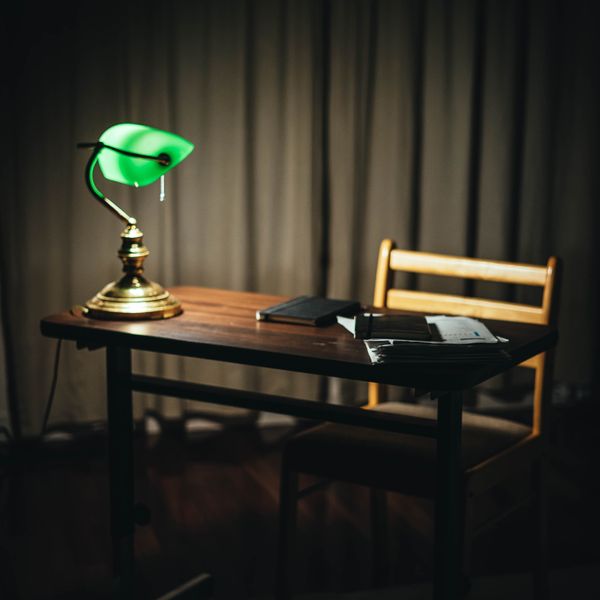
Focus Desk Lamp
Dimmable, warm to cool
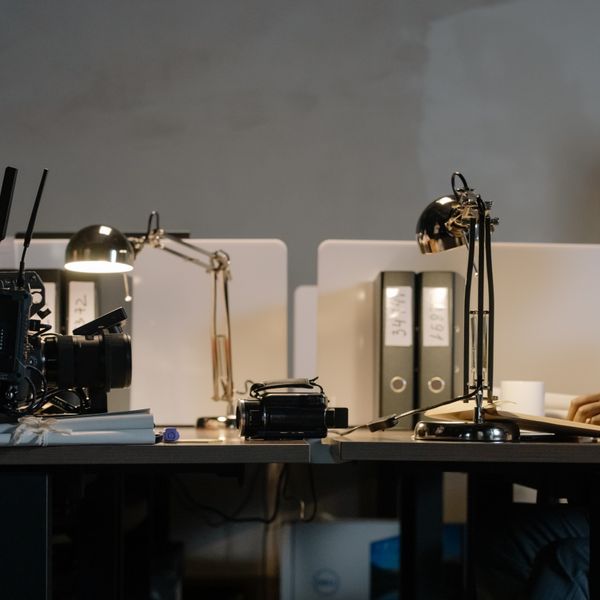
Lumina Monitor Light Bar
Screen-safe, no glare

Halo Screen Light Bar
Auto-dimming
The 20-20-20 rule and blinking on purpose
The best-known guideline is also one of the most effective: every 20 minutes, look at something roughly 20 feet (6 metres) away for at least 20 seconds. The distance lets the focusing muscles relax fully, and the pause resets your blink rate. It works because eye strain is fatigue, and fatigue responds to short, frequent breaks far better than to one long one. Set a gentle repeating timer, or tie the break to something you already do — glance out the window whenever you finish a paragraph or send a message. While you are at it, blink deliberately. When you notice your eyes feel dry, close them fully for a moment a few times; a complete blink spreads a fresh tear film across the surface, which a rapid half-blink does not. It sounds trivial, but conscious blinking during focused work measurably relieves the dry, gritty sensation that builds through the afternoon. Neither of these costs anything, and together they address the two causes — sustained focus and a dropped blink rate — that no piece of hardware can touch.
Tune the display: text size, contrast, and colour
A surprising amount of strain is just a screen that is hard to read. Turn text size up. On Windows use display scaling (125 to 150 percent is common at normal viewing distance); on macOS pick a scaled resolution that enlarges everything, or raise the font size per app. In the browser, Ctrl/Cmd and the plus key enlarges any page. The goal is comfortable reading at arm's length without leaning in — if you find yourself moving closer, the text is too small. Contrast should be crisp but not harsh. Pure black text on a pure white background can be fatiguing under bright office light; a very slightly off-white background softens it. Dark mode helps some people, especially in dim rooms, but is not universally better — in a bright room, light text on a dark background can actually blur for readers with any astigmatism, so use whichever you read more comfortably rather than following a trend. Finally, warm the colour temperature as the day goes on. Cooler, bluer light suits focused daytime work, while warmer light is easier on the eyes in the evening — most operating systems have a built-in Night Light or Night Shift that shifts this automatically, and a warm, dimmable task lamp like the Aura LED Task Lamp or the adjustable Swing Architect Lamp lets the light on your desk follow the same curve.

Aura LED Task Lamp
Compact, touch dimmer

Swing Architect Lamp
Long reach, clamp base
Dry eyes, your environment, and when to get checked
If your eyes feel dry despite good habits, look at the air. Air conditioning, forced-air heating, and desk fans all speed tear evaporation — redirect any airflow so it is not blowing across your face, and if the room is very dry, a small humidifier or simply a glass of water within reach and regular sips both help. Preservative-free artificial tears are a reasonable over-the-counter option for occasional dryness. And check the obvious: an out-of-date glasses or contact-lens prescription makes your eyes work harder all day, so if it has been a while, get it reviewed. One honest caveat on the popular fixes: blue-light-blocking glasses have limited evidence for reducing eye strain, and current reviews do not show a clear benefit over simply managing brightness, breaks, and distance as above. They are unlikely to harm, but do not expect them to replace the fundamentals. This article is general guidance, not medical advice. If you have persistent pain, headaches, double vision, or eye strain that does not ease with these changes, see an optometrist or doctor — it can point to an uncorrected prescription or another condition worth ruling out.
FAQ
How far should my monitor be from my eyes?
About an arm's length — roughly 50 to 70 cm for a 24 to 27-inch screen, and further for larger displays. The extra distance relaxes your focusing muscles and reduces eye movement across the screen. If text looks small at that distance, increase the text size in software rather than moving closer.
Does dark mode reduce eye strain?
Sometimes. In a dim room, dark mode can be more comfortable because the screen emits less light overall. In a bright room, or for readers with astigmatism, light text on a dark background can look slightly blurred and tire the eyes more. Use whichever you read most comfortably, and match screen brightness to the room either way.
Do blue-light-blocking glasses help?
The evidence is weak. Recent reviews do not show a clear benefit for eye strain over simply managing brightness, taking breaks, and getting the distance right. They are unlikely to cause harm, but they are not a substitute for the fundamentals covered above.
What is the 20-20-20 rule?
Every 20 minutes, look at something about 20 feet (6 metres) away for at least 20 seconds. The distance lets your focusing muscles fully relax and the pause resets your blink rate, which is far more effective against fatigue than one long break at the end of the day. A gentle repeating timer makes it a habit.