The best desk lighting for eye comfort
Tired eyes at a desk are rarely about the screen alone — they're about the light around it. Here's how to choose lighting that stays comfortable through a full working day.
At a glance
| Product | Best for | Price | Warranty |
|---|---|---|---|
| Focus Desk Lamp | Dimmable, warm to cool | € 49.95 | 2 years |
| Lumina Monitor Light Bar | Screen-safe, no glare | € 64.95 | 2 years |
| Aura LED Task Lamp | Compact, touch dimmer | € 39.95 | 2 years |
| Halo Screen Light Bar | Auto-dimming | € 54.95 | 2 years |
| Beam Pro Light Bar | Wireless remote | € 79.95 | 2 years |
| Swing Architect Lamp | Long reach, clamp base | € 59.95 | 2 years |
| Glow Wireless-Charge Lamp | Lamp + Qi charger base | € 69.95 | 2 years |
What actually tires your eyes
Three things do most of the damage, and all three are fixable. The first is contrast: a bright screen floating in a dim room forces your pupils to keep readjusting between the display and everything around it. The second is glare — light bouncing off the screen or straight into your eyes from a bare bulb or window. The third is flicker, the rapid, usually invisible pulsing that some cheap LED drivers produce, which can add to fatigue for sensitive people over long sessions. Good desk lighting is simply the set of choices that removes those three problems: it raises the light level around the screen so the contrast is gentle, it puts that light where it doesn't reflect back at you, and it does so with a steady, flicker-free source. Everything below is about getting those three right without overthinking it. This is general comfort guidance, not medical advice — persistent or sharp eye pain is worth raising with an optometrist.
Lamp or monitor light bar? Start here
The single biggest decision is what kind of fixture sits on your desk. A traditional task lamp lights a working area — a keyboard, a notepad, papers you're reading from. A monitor light bar clips to the top of your screen and casts light forward onto the desk in front of it, using no desk footprint and, crucially, never shining back at the display. If you read a lot of paper, sketch, or want one lamp that lights the whole surface, a wide task lamp is the more flexible choice. The Focus Desk Lamp is a good default here: a 45 cm flicker-free LED bar putting out around 600 lumens across the desk rather than into a single hot spot, dimmable from warm evening light to daylight white. If your work is almost entirely on-screen and desk space is tight, a light bar is the cleaner answer — the Lumina Monitor Light Bar clips on, throws a soft glare-free pool over the keyboard, and frees up the desk entirely. Many people end up with both: a bar for the screen zone, a lamp for everything to the side.
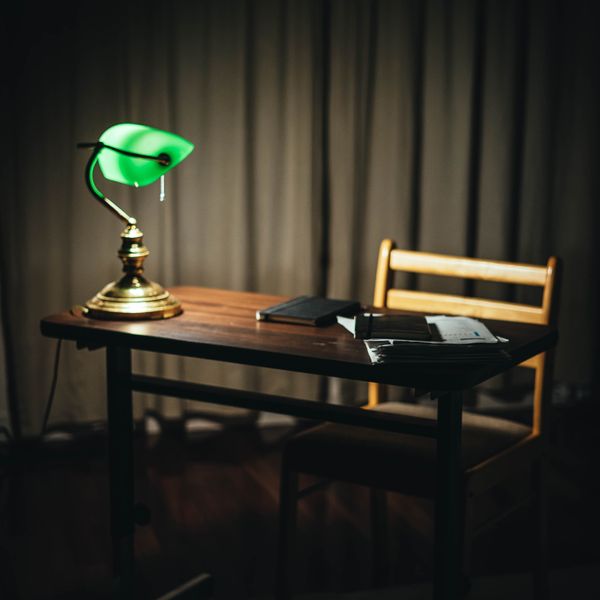
Focus Desk Lamp
Dimmable, warm to cool
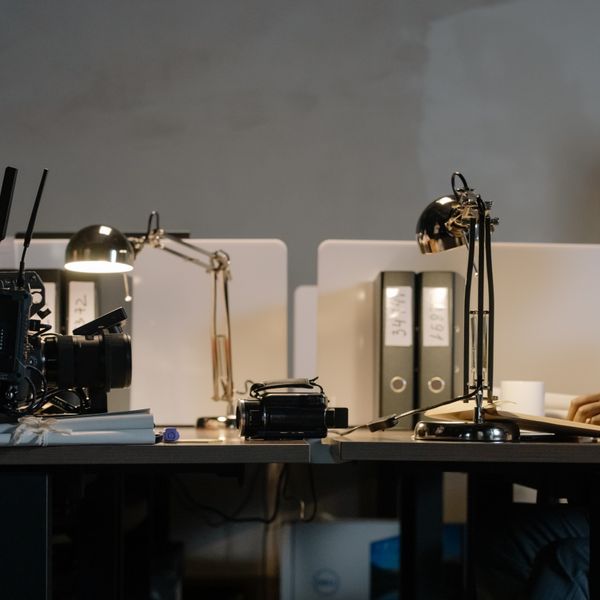
Lumina Monitor Light Bar
Screen-safe, no glare
Getting brightness and colour temperature right
For a desk you want the working surface noticeably brighter than the surrounding room, but not so bright it becomes its own source of glare. As a rough target, a good task lamp in the 400–600 lumen range lights a normal desk well; a compact lamp like the Aura LED Task Lamp (around 450 lumens with a simple touch dimmer) suits smaller desks and secondary spots, while the Focus Desk Lamp's higher output covers a wider surface. The number that matters more than raw lumens, though, is whether you can dim it — a fixed, full-blast lamp is uncomfortable by evening. Colour temperature, measured in Kelvin, is the other dial. Cooler light (roughly 4500–6000K, a crisp daylight white) helps alertness and suits focused daytime work. Warmer light (around 2700–3500K, closer to a soft incandescent glow) is easier on the eyes in the evening and less likely to keep you wired before bed. This is why adjustable warm-to-cool lamps are worth the small premium: you match the light to the time of day instead of living under one fixed tone. When buying, also look for two quiet specs — 'flicker-free' drivers, and a colour rendering index (CRI) of 90 or above, which makes colours and text look natural rather than washed out.

Aura LED Task Lamp
Compact, touch dimmer
Focus Desk Lamp
Dimmable, warm to cool
Positioning to kill glare and reflections
Where the light sits matters as much as how bright it is. The rule is simple: light the desk, not the screen. A task lamp should come in from the side, slightly in front of you, angled down onto the work — never positioned so its reflection lands in the monitor. If you're right-handed, place a lamp to your left so your hand doesn't cast a shadow over what you're writing, and vice versa. Keep bright windows to the side rather than directly behind or in front of the screen. Monitor light bars solve the reflection problem by design: they sit above the screen and are shaped to cast light forward and down, so no glare reaches your eyes or the display. The Lumina Monitor Light Bar is the straightforward pick for a single monitor. If your room brightness swings a lot through the day, the Halo Screen Light Bar senses ambient light and adjusts its own output so the screen never has to fight the room. For an ultrawide or a dual-screen setup, the wider Beam Pro Light Bar covers the extra span and adds a wireless remote so you're not reaching over the monitor to change settings.
Lumina Monitor Light Bar
Screen-safe, no glare

Halo Screen Light Bar
Auto-dimming

Beam Pro Light Bar
Wireless remote
Match the light to your desk and your day
The best fixture depends on how your desk is laid out. On a small or cluttered desk, a lamp that clamps to the edge reclaims the whole surface — the Swing Architect Lamp uses a classic long-reach arm (around 70 cm) on a desk clamp, so you can swing light exactly over the work and push it out of the way when you're done. If you charge a phone at your desk, the Glow Wireless-Charge Lamp combines the task light with a Qi charging pad in the base, removing one more cable and gadget from the surface. Think about your day, too, not just your desk. If you work into the evening, prioritise dimming and warm-to-cool adjustment over sheer brightness — the ability to drop to a soft, warm, low level after dark is what keeps a setup comfortable across a long session. If your work is on-screen from morning to night, an auto-dimming bar that tracks the room does that adjusting for you. There's no single 'best' lamp; there's the one that fits your surface, your tasks, and the hours you keep.

Swing Architect Lamp
Long reach, clamp base
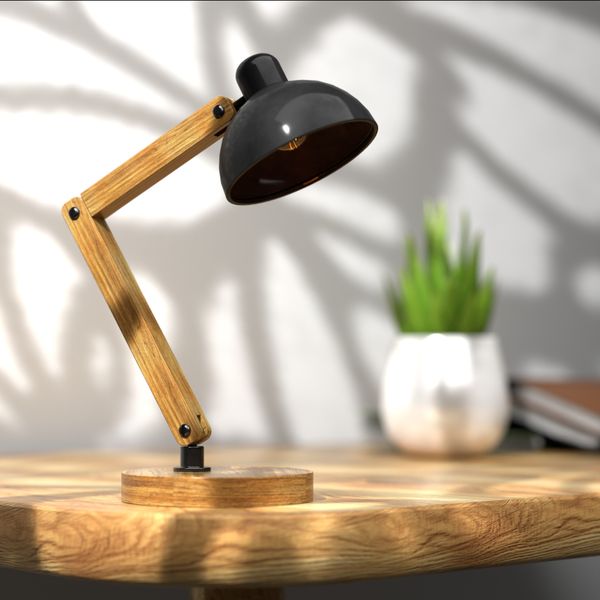
Glow Wireless-Charge Lamp
Lamp + Qi charger base
A quick checklist before you buy
Cutting through the specs, five things separate comfortable desk lighting from a lamp you'll want to switch off. One: dimmable output, so you can lower the level in the evening. Two: adjustable colour temperature, warm through cool, to match the time of day. Three: a flicker-free driver, which reduces a subtle source of fatigue on long days. Four: a CRI of 90 or higher, so text and colours look natural. Five: even coverage — a wide lamp head or a light bar that spreads light across the desk instead of concentrating it in one bright circle. Everything in Deskt's lighting range is built around those points: flicker-free, warm-to-cool, and shaped to light the desk rather than the screen. Prices are in euros including VAT, shipping across the EU is free, and every fixture carries a two-year warranty with 14-day returns — so if a lamp doesn't suit your desk in practice, it's easy to send back.
FAQ
How many lumens do I need for a desk lamp?
For a single-person desk, a task lamp in roughly the 400–600 lumen range lights the surface well. A compact lamp near 450 lumens suits smaller desks; a wider lamp around 600 lumens covers a larger surface. More important than the raw number is being able to dim it — a lamp you can turn down is far more comfortable than a brighter one you can't.
Will a monitor light bar replace my room light?
No, and it isn't meant to. A light bar lights the desk area in front of your screen without glare, which fixes the screen-versus-dark-room contrast. You still want gentle ambient light in the room so the rest of your field of view isn't in shadow. A bar plus modest room light is a comfortable combination.
Is warmer or cooler light better for the evening?
Warmer light — around 2700–3500K — is generally easier on the eyes in the evening and less stimulating late at night, while cooler daylight-white light suits focused daytime work. That's the argument for an adjustable warm-to-cool lamp: you use cool light by day and warm light after dark instead of committing to one fixed tone.
Do I really need a high-CRI, flicker-free lamp?
They're worth looking for. A colour rendering index (CRI) of 90 or above makes text and colours look natural rather than dull, which matters if you read or work with images. Flicker-free drivers remove a subtle, usually invisible pulsing that can add to eye fatigue over long sessions for sensitive people. Neither adds much cost, and both are standard across Deskt's lighting range.