Monitor height and neck pain: the quick fix
If your neck aches by the afternoon, the screen is the first thing to check. A display that sits too low pulls your head forward for hours — and your neck pays for it.
At a glance
| Product | Best for | Price | Warranty |
|---|---|---|---|
| Aero Laptop Stand | Aluminium, adjustable angle | € 39.95 | 2 years |
| Pulse Split Keyboard | Split & tented, wireless | € 89.95 | 2 years |
| Curve Ergonomic Mouse | Vertical grip, wireless | € 44.95 | 2 years |
| Zenith Monitor Riser | Bamboo shelf, cable slot | € 59.95 | 2 years |
| Arc Single Monitor Arm | Gas-spring, full motion | € 79.95 | 2 years |
Where the screen should sit
Looking straight ahead, your eyes should meet the top third of the screen, about an arm's length away.
Fixing a laptop
Lift the laptop on a stand and plug in an external keyboard and mouse.

Aero Laptop Stand
Aluminium, adjustable angle

Pulse Split Keyboard
Split & tented, wireless
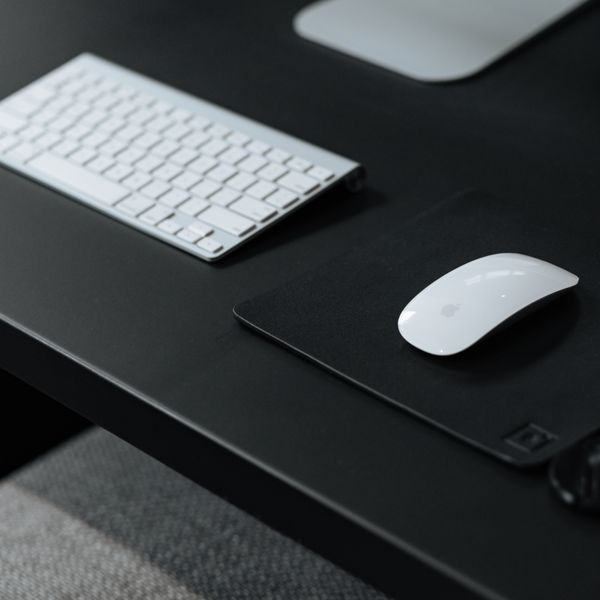
Curve Ergonomic Mouse
Vertical grip, wireless
Fixing a monitor
Use a riser, or a monitor arm to fine-tune height, tilt and distance.

Zenith Monitor Riser
Bamboo shelf, cable slot

Arc Single Monitor Arm
Gas-spring, full motion
FAQ
My screen is at eye level but my neck still hurts — why?
Check distance (about an arm's length), that you're not tilting the screen back, and increase the font size instead of leaning in.
Is a monitor arm better than a riser?
An arm gives finer adjustment and frees desk space; a riser is simpler and adds storage. Both solve height.